
There are a lot of reasons to love our federal position classification technology. Here are our Top 10!
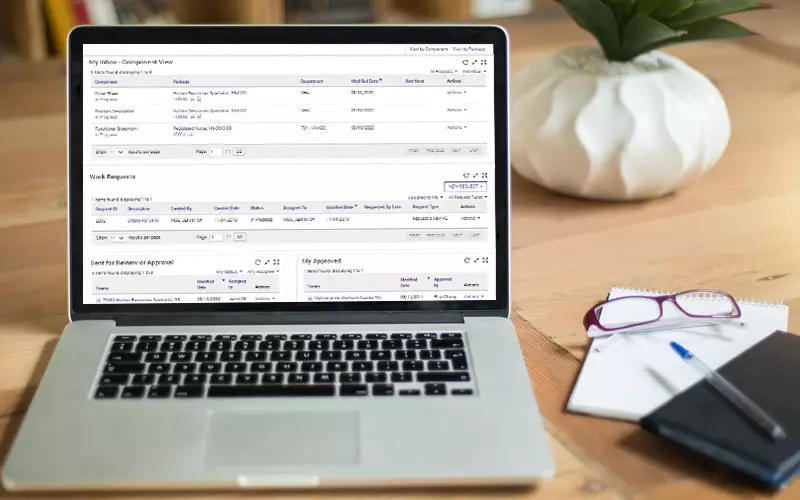
1. At-a-Glance Dashboard and Dashlets
Car drivers aren’t limited to a single gauge on their dashboard and agency users shouldn’t be, either. FedHire Position Classification (PC) gives you multiple “dashlets” showing the status of your to-do list, work requests, submitted documents, and a list of your completed work – all in convenient, side-by-side displays.

2. Fast and Fun PD “Search and Compare”
Who has time to read through pages and pages of position descriptions (PDs) to find the right fit? FedHire PC centralizes PDs in an electronic library you can peruse with elaborate search and filter options. We go a step further by providing fun side-by-side “Compare” and “Show Differences” tools and recommending “Similar Items” to help you quickly find a PD that you can use as-is or modify to your needs.

3. Almost Like Magic
Don’t create PDs every day? Now, anyone at your federal agency, at any skill level, can develop a position description by following the intuitive, guided process in the FedHire PD Builder Wizard. The Wizard guides you in drafting quality, compliant PDs by translating your selection of agency-vetted duty and factor level statements into suggested titles, series, factor formats, and grades.

4. Yes and…
PDs? Check. Career ladders, Interdisciplinary PDs, SODs, and addendums? Check. Supervisor, team lead, and SES positions? Check. FES, FWS, and Narrative formats? Check. Whatever the PD type or format, FedHire PC has you covered.

5. The Full Package
FedHire PC lets you build PDs, functional statements, coversheets (OF-8s), and evaluation statements, and upload other related documentation, to bundle into a convenient PD package.
6. Ask and You Shall Receive
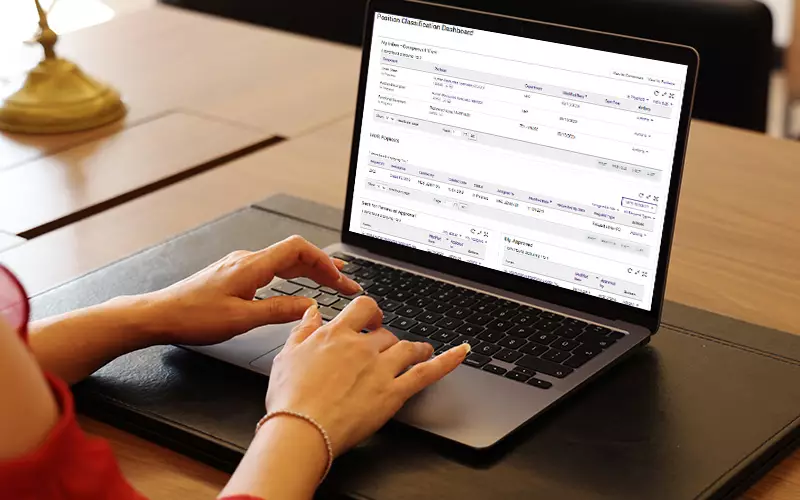
Work Requests allow hiring managers, HR liaisons, and others to ask classifiers for a consultation, PD review, Desk Audit, new PC document, and other classification services. Requests can be sent to an individual or a group.

7. You Did WHAT to My PD?
You know the “track changes” feature in Microsoft Word? How about version control in SharePoint? Yeah, FedHire PC does that with all PC documents.

8. “Got Your Six” Auditing Tools
Whether responding to a classification challenge, OPM audit, or simply trying to retrace a PD’s steps, FedHire PC saves you time and stress by automatically time-stamping PC actions and tracking hand-offs to bring transparency and auditability to the classification process.

9. The Digital Gatekeeper
Classification underpins compensation. Role-based security controls ensure the right users have the right level of access to data and approvals.

10. Your Data, Your Way
Let your data show you where you’re efficient and where you’re not. Ensure that classification standards are consistently and fairly applied from area to area. Choose the data you want to see with FedHire PC reporting tools and get a strong return on your agency’s investment.